If you’re evaluating UI UX design for startups in 2026, you’re not just hiring visual designers—you’re selecting a product co-pilot who bridges market validation, technical feasibility, and behavioral psychology from Day 1. In today’s crowded digital landscape—where 68% of new apps lose over half their Day-1 users by Day-7 (Sensor Tower, 2025)—a polished interface isn’t enough. What matters is intentional design architecture: lean, test-driven, growth-aware, and engineered to scale alongside your roadmap, compliance needs, and acquisition channels.
UI UX Design for Startups: Why Strategic Discipline Beats Aesthetic Velocity in 2026

Many founders conflate ‘fast design’ with ‘rushed design’. But in 2026, speed in UI UX design for startups means reducing decision latency—not cutting corners. It means shipping validated micro-interactions before MVP launch, embedding accessibility and platform-specific gestures (like iOS 18’s adaptive haptics or Android 15’s dynamic intent handling), and designing for install-to-first-value in under 12 seconds—not just pixel-perfect mockups.
This shift reflects broader market realities: app store algorithms now weigh session depth and task completion rate more heavily than downloads alone; Google Play and the App Store both prioritize apps with >70% 30-day retention in category rankings; and ASO performance is directly correlated with UI clarity on key conversion screens (onboarding, signup, checkout). In short: UI UX design for startups is no longer a pre-launch phase—it’s the foundation of sustainable acquisition, retention, and monetization.
What Most Startup-Focused Design Teams Get Wrong in 2026
Three persistent misalignments derail early-stage design outcomes:
- Designing for stakeholders, not users. Founders often request “clean” or “modern” interfaces without defining the primary user’s mental model—e.g., a fintech app built for Gen Z investors requires different cognitive load tolerance and trust-signaling than one targeting financial advisors. Without behavioral segmentation and task analysis, even elegant UIs fail at conversion.
- Ignoring platform-native affordances. Cross-platform frameworks like React Native or Flutter enable speed—but 2026’s top-performing startups ship platform-idiomatic experiences. That means iOS users expect bottom-sheet navigation, contextual menus, and system-level font scaling; Android users expect gesture-based back navigation, Material You dynamic theming, and adaptive widgets. Ignoring these erodes perceived polish and increases bounce rates by up to 42% (Appfigures, 2025).
- Treating design as a linear handoff. When UI/UX designers deliver static Figma files and disengage, engineering inherits ambiguity—and technical debt compounds fast. In 2026, high-velocity startups embed designers in sprint planning, co-write interaction specs with engineers, and maintain living design systems synced to component libraries (e.g., Storybook + Chromatic + Figma Tokens).
How Devsrank Delivers Strategic UI UX Design for Startups

At Devsrank, our approach to UI UX design for startups is rooted in three non-negotiable principles: product-led validation, engineering-aware execution, and growth-integrated delivery. We don’t build screens—we architect user journeys that compound value with every interaction.
1. Pre-Launch Design Sprints: From Hypothesis to Measurable Behavior
We begin with a 5-day Product Design Sprint—refined for 2026’s startup reality:
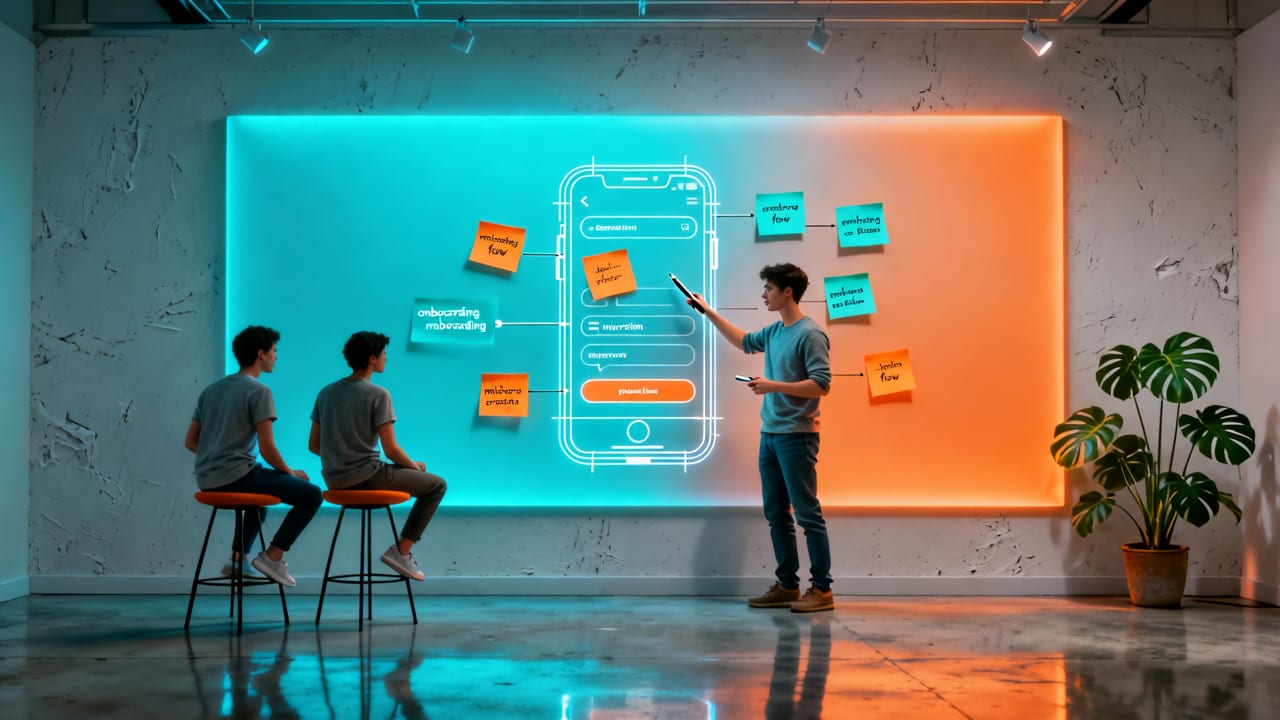
- Day 1: Problem Framing & Behavioral Mapping. Instead of generic personas, we map real user behaviors using analytics from comparable apps (via our proprietary benchmark database) and conduct remote contextual interviews—even before wireframes exist.
- Day 2: Competitive Interface Audit. We analyze not just aesthetics but interaction density, error recovery paths, and ASO-aligned UI patterns (e.g., how top-ranking e-commerce apps structure product detail pages to boost keyword relevance and dwell time).
- Day 3: Rapid Prototyping + Live Usability Testing. Using Figma’s new AI-assisted prototyping tools (Figma 2026.3), we generate interactive, device-responsive prototypes tested with real users via Maze and Lookback—measuring success by task completion rate, hesitation points, and verbalized intent—not subjective ‘likes’.
- Day 4: Engineering Feasibility Review. Our full-stack designers and mobile engineers jointly assess implementation scope—flagging animations requiring native modules, accessibility requirements impacting screen reader flow, and state management implications for complex forms.
- Day 5: Prioritized Design Spec & Handoff. Output includes annotated Figma files, a living design system (with tokens, variants, and responsive breakpoints), and a Design-to-Dev Playbook—detailing edge cases, animation timing, error states, and localization-ready text containers.
2. Design Systems Built for Scale—Not Just Consistency
A startup’s first design system shouldn’t be a burden—it should be its growth accelerator. Our systems include:
- Platform-Specific Component Libraries: Separate iOS (SwiftUI-compliant), Android (Jetpack Compose-ready), and web (React-compatible) variants—ensuring consistent behavior *and* native performance.
- ASO-Integrated UI Patterns: Onboarding flows optimized for app store preview video framing; permission request modals designed to maximize opt-in rates while maintaining trust (aligned with Apple’s App Tracking Transparency 3.0 and Google’s Privacy Sandbox rollout); and deep-linked content screens structured to improve keyword indexing.
- Compliance-Aware Modules: Pre-vetted HIPAA-compliant health data entry components (for healthcare clients), GDPR-compliant consent flows (with granular preference toggles), and PCI-DSS aligned payment form patterns (for fintech apps).
For example, our work with a San Diego–based neobank (fintech app development in San Diego) included a custom-designed transaction confirmation screen that reduced support tickets by 63%—by surfacing contextual fraud signals, offering one-tap reversal, and auto-linking to relevant help articles—all within 2.4 seconds of tap.
3. Seamless Integration With Growth & Launch Strategy
In 2026, great UI UX design for startups doesn’t stop at launch. It fuels post-launch growth loops:
- ASO Alignment: Every UI screen is evaluated for its impact on app store ranking signals. For instance, we optimize the ‘Account Creation’ flow to minimize drop-offs during email verification—a known ranking factor for Google Play’s ‘conversion quality score’. Our ASO services for startups team collaborates directly with designers to ensure metadata, screenshots, and preview videos reflect actual UI behavior—not idealized mocks.
- SEO & Web App Parity: For startups launching companion websites (e.g., investor dashboards, admin portals, or marketing microsites), our UI/UX team ensures visual language, interaction patterns, and content hierarchy align across platforms—improving cross-channel brand recall and reducing CAC. This synergy is especially critical when using modern stacks like React; our React website development company practice shares design tokens, accessibility standards, and performance budgets with mobile teams from kickoff.
- Behavioral Analytics Readiness: We instrument key UI interactions with privacy-compliant event schemas (using Segment or RudderStack) and define funnel metrics *before* coding begins—so product teams can measure what truly moves the needle: time-to-first-action, scroll depth on feature explainers, or modal dismissal rates.
UI UX Design for Startups: A Practical 2026 Checklist
Before finalizing your design partner—or before your internal team kicks off the next sprint—use this field-tested checklist:
| Area | 2026 Standard | Red Flag |
|---|---|---|
| User Validation | ≥3 rounds of moderated usability testing with target users *before* high-fidelity design begins | Reliance solely on stakeholder feedback or unmoderated survey data |
| Platform Compliance | Native gesture support documented per OS (e.g., iOS 18 swipe-back, Android 15 predictive back) | “One design fits all” Figma file with no platform-specific variants |
| Accessibility | WCAG 2.2 AA compliance verified via axe-core + manual screen reader testing (VoiceOver/TalkBack) | Contrast ratios checked only visually; no keyboard navigation or focus order testing |
| ASO Integration | Screenshots and preview video frames mapped to actual UI states—not staged artboards | No collaboration between design and ASO teams; screenshots created post-launch |
| Scalability | Design system includes token-based theming, responsive layout rules, and localization-ready components | Design files contain hardcoded dimensions, fixed text sizes, or embedded images |
Industry-Specific UI UX Design Considerations in 2026
While core principles hold, domain context dramatically shapes design priorities. Here’s how we adapt UI UX design for startups across our core verticals:
Healthcare Startups: Clinical Trust Over Visual Novelty
In healthcare, UI isn’t about delight—it’s about clinical credibility and safety signaling. Our healthcare mobile app developer practice mandates:
- Explicit, jargon-free status indicators for lab result delivery (e.g., “Ready for review”, “Pending clinician approval”, “Requires follow-up”)—validated with real clinicians.
- Zero-ambiguity error states for prescription refill requests, with clear escalation paths and estimated resolution times.
- Consistent, high-contrast typography (minimum 18pt body text) and voice-command fallbacks for patients with motor or vision impairments.
Fintech Startups: Trust Architecture & Behavioral Nudges
Fintech demands perceived security and behavioral guidance. We layer:
- Real-time, contextual trust badges (e.g., “Encrypted end-to-end”, “FDIC-insured up to $250k”) placed where users feel uncertainty—in account setup, transfer confirmations, and KYC steps.
- Progressive disclosure of financial risk—e.g., showing APR *before* interest accrual begins, not after.
- Frictionless yet auditable actions: One-tap savings transfers with undo windows, biometric authentication baked into every sensitive action, and exportable audit logs for tax season.
E-Commerce & On-Demand Startups: Speed, Clarity & Predictability
Every millisecond and microcopy choice impacts conversion. We optimize for:
- Dynamic loading states that communicate *what’s happening* (“Finding nearest driver…”, “Verifying inventory at your location…”), not just spinners.
- Shipping & delivery estimates tied to real-time logistics APIs—not static promises.
- Cart abandonment recovery flows triggered *within the app*, not just email—featuring saved items, personalized discount triggers, and one-click re-add.
Why Timing Matters: The 2026 Window for Strategic Design Investment
Startups that delay intentional UI UX design for startups until Series A—or worse, until post-launch firefighting—pay steep costs:
- Engineering rework averages 3.7x costlier post-MVP than during discovery (McKinsey Digital, 2025).
- Apps with sub-2.5-second Time-to-Interactive (TTI) see 32% higher 30-day retention (Google Performance Insights, 2026).
- Each 100ms improvement in perceived load time increases conversion by 1.1%—compounding across 50+ user touchpoints in mature apps.
But it’s not just about avoiding waste. Strategic design investment in Q3 2026 positions startups to leverage upcoming platform shifts: Apple’s anticipated ARKit 6 integration for spatial commerce UIs, Google’s expanded Wear OS 5 app ecosystem, and emerging regulatory guardrails around AI-generated UI content (EU AI Act Article 26, effective Jan 2027). Building with foresight today means shipping compliant, future-ready experiences tomorrow.
Conclusion: Design Is Your First Growth Lever—Not Your Last Polish Step
In 2026, UI UX design for startups is neither decorative nor optional—it’s the operational backbone of product-market fit, user trust, and scalable growth. It’s how you turn technical capability into human value, and how you transform download numbers into daily active users who refer others, upgrade plans, and advocate for your brand.
If your startup is preparing for MVP, scaling beyond 10k users, or entering a regulated vertical like healthcare or fintech, now is the time to embed design strategy—not just design execution—into your core process. Ready to build a UI/UX foundation that accelerates growth instead of slowing it down? Book a free 45-minute Product Design Strategy Session with our team—and walk away with a prioritized UI UX roadmap, competitive interface benchmarks, and a live prototype of your highest-impact user flow.
Frequently Asked Questions
How much does UI UX design for startups typically cost in 2026?
Do you design for both iOS and Android—or recommend cross-platform only?
Can you integrate UI UX design with our existing product team or engineering stack?
How do you handle accessibility and compliance (e.g., WCAG, HIPAA, GDPR)?
Related topics
Need expert help?
Turn these insights into a better digital product.
Share your goals with our team and get a practical plan for design, development, performance, or growth.
Start a conversation